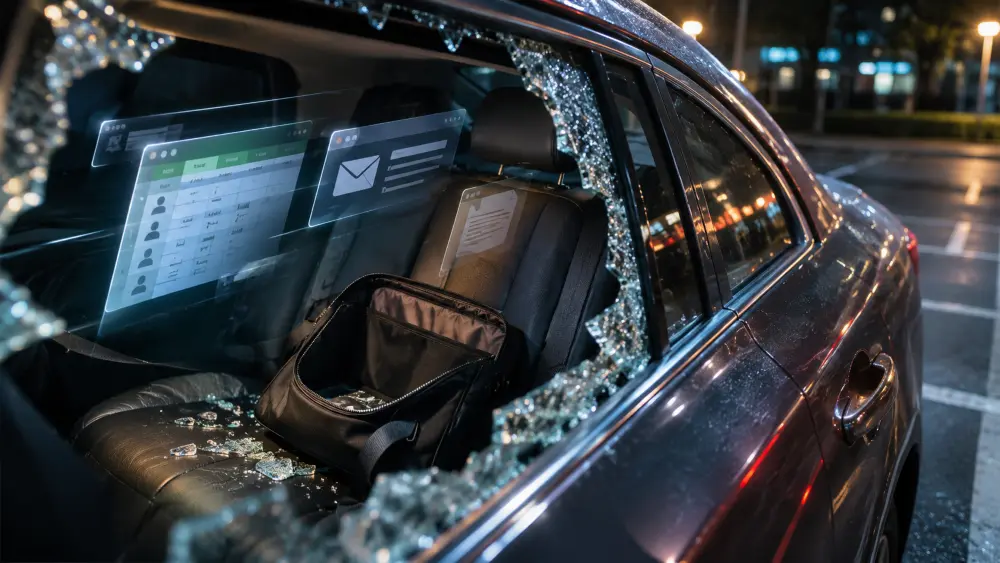
In 2017, someone broke into a hospital employee’s car in a public car park in Rhode Island and stole a work laptop. It was never recovered. According to the US regulator’s agreement with Lifespan, the employee’s email program may have stored work messages on the unencrypted drive. The patient information at risk included names, medical record numbers and details of prescribed medicines.
The incident affected 20,431 people. Investigators found that Lifespan had already decided it was appropriate to encrypt patient information on its laptops. Its failure to put that protection in place left records exposed when this laptop was stolen. In 2020, the US health system agreed to pay US$1.04 million and take corrective action to settle potential violations of US healthcare privacy and security rules.
A customer list can still be on a missing laptop even when the original is safe in the office. A work inbox left open can expose another set of records. At QubeApps, we help Malaysian businesses protect the files employees carry, manage access to work accounts and prepare a secure replacement so staff can resume work.
What To Do First When A Work Laptop Goes Missing
- The employee reports the lost company laptop from another device. The last known location, when the laptop was last seen and any work apps left open give the support team a starting point.
- The people who manage email and shared files can restrict account access while a colleague checks with the venue. This work can begin while the laptop is still missing.
- The response team identifies the files the employee kept on the laptop and checks its last recorded encryption status. The person responsible for data protection uses those findings to assess any risk to customers or staff.
- One person coordinates the response and gives management an update on the records involved, the steps already taken and anything still uncertain. A colleague can arrange a secure replacement in parallel.
Table of Contents:
What Company Data Could Be On The Missing Laptop?
An employee downloads a spreadsheet of customers’ names, phone numbers and addresses to arrange deliveries. Colleagues can still open the original in the company’s shared folder. The downloaded copy now travels with the employee, including when the laptop is offline.
A lost work laptop may also hold email and attachments. In the Lifespan case, the email program may have saved work messages automatically. One attachment can contain an entire month of deliveries, so even a single saved message can hold details about many customers.
Does Encryption Protect The Files On The Laptop?
Full disk encryption protects the contents of a laptop drive by making them unreadable without the key that unlocks it. On Windows, BitLocker is one way to provide that protection. If an encrypted laptop was shut down, the person holding it would generally need the means to unlock the drive before reading its files. If the employee left a document visible on an unlocked screen, it could still be read there.
For businesses that manage laptops through Microsoft Intune, the encryption report shows the last status reported by each device. That lets a company establish whether the particular laptop that went missing had reported encryption as active. The employee can add a detail that the report cannot establish: whether a file was already visible on screen. Our endpoint security checklist helps managers review gaps across the other devices staff use.
Can Someone Still Access Company Email If A Work Laptop Goes Missing?
Work email usually stays open as an employee moves from one message to the next. If the laptop goes missing while the inbox is open and the screen is unlocked, someone holding it may be able to read the messages already on display or open another conversation. A customer could be affected even if the employee never downloaded a file.
The team that manages company email can revoke work account access from another computer while the laptop is missing. Microsoft explains that some apps control their own sign-ins, so a file-sharing app may stay open after the main work account has been restricted. Ending a sign-in can prevent further online access. Messages or attachments saved on the drive may still be there.
Can A Company Remotely Wipe A Lost Laptop?
A remote wipe sends an instruction to erase data on a lost or stolen company laptop. The laptop must already be set up to receive it. In Microsoft Intune, a standard factory reset removes files, apps and settings. Some devices offer options that preserve certain data. The option selected matters when the business later describes what was erased.
Before authorising a wipe, the company needs to account for any files or investigation records held only on the device. If a missing laptop is offline, the erase request can remain pending until it reconnects. While the request is pending, management can confirm that a wipe was requested. It still needs a completion record before concluding that the files were erased.
Can Losing A Company Laptop Be A Data Breach?

A personal data breach can occur when a lost device puts information about identifiable people outside the company’s control. The first step in Malaysia is to identify whose information was involved, what someone could learn from it and how the laptop was protected. These facts help the person responsible for data protection decide whether the company has a legal duty to report what happened.
Malaysia’s breach notification guidelines give the example of a stolen encrypted laptop containing 200 employees’ email addresses. The Commissioner says a formal report was unnecessary on those facts because significant harm was unlikely. The guidelines also describe a lost laptop containing customer information. A report to the Commissioner is required if the compromised information could cause significant harm or if the breach affects more than 1,000 people.
Here, “notification” means formally informing the Commissioner or the individuals affected. For a reportable breach, the company can submit the Commissioner’s official reporting form. Section 6 of the guidelines sets a 72-hour limit and explains how to determine when it begins. Where the breach causes or is likely to cause significant harm to individuals, the company also has a duty to tell them directly. That message explains what happened, the likely consequences and the steps they can take to protect themselves.
How A Missing Laptop Affects Costs, Sales And Customer Trust
How Qubeapps Can Help Before And After A Laptop Goes Missing

We review the laptops employees take off-site, their recorded encryption status and the backups available for important work files. This shows where stronger protection is needed and which files staff could recover on a replacement.
A lost company laptop policy sets out who handles a report, who can authorise an erase and who keeps urgent work moving. We help businesses put that policy into practice. Keeping the device records described in our lifecycle management guide ties each laptop to its assigned employee, so the response team can identify the right machine before taking action.
After a loss, our managed IT services can help set up a secure replacement and recover files from available backups. Businesses with staff who travel or work across sites can discuss laptop protection and recovery with QubeApps.