
A cashless canteen management system lets students pay for meals without using cash. For example, students can tap a card at the counter. The system records what they bought and where they bought it. Your school can handle less cash, and staff can look up a purchase when a parent has a question.
Cashless payments are becoming more common in Malaysia. Electronic payments rose 25% in 2025, according to Bank Negara Malaysia. Schools can already explore options designed for purchases in canteens and bookshops, such as Bank Simpanan Nasional’s Cashless School Program.
When several businesses sell food in your canteen, you also need to know how much each one sold and how it gets paid. Each food business is called a vendor and may run one stall or several. A school canteen payment system for multiple vendors should make it easy to see which vendor made each sale. Your staff can then check those records when a vendor has a question about a payment. See our guide to canteen management systems.
Key Takeaways
- If students will use one card across the canteen, test it at two stalls and check that each sale appears under the right vendor.
- Ask for a list of purchases at each stall and sales totals for each vendor, so staff can check both individual sales and what each business sold.
- Agree who pays each vendor, when payments are due and which record staff can use to check a payment.
Table of Contents:
How students pay at different stalls
One option is a card linked to a prepaid canteen account. A parent or student adds money before the student buys food. The money available to spend is called the balance. When the student taps the card to pay, the system subtracts the price from that balance and records which vendor made the sale.
Students can use the same card at other stalls if those stalls are set up to accept it. A school may also allow students to pay with a debit card, which uses money from a bank account. Ask which cards your school would accept and where students could use them.
Example of a student buying from two stalls
A student starts recess with RM20 in their canteen account. They buy rice from one stall and a drink from another. The two stalls are run by different vendors.
| What Happens | Money Left | Where The Sale Is Recorded |
|---|---|---|
|
Before the student buys anything |
RM20 |
No sale yet |
|
The student buys rice for RM5 |
RM15 |
RM5 for the rice stall |
|
The student buys a drink for RM2 |
RM13 |
RM2 for the drinks stall |
The canteen sold RM7 of food and drinks in total. If the RM2 drink sale goes under the rice stall by mistake, the report still shows RM7 in total. It now shows RM7 for the rice stall and zero for the drinks stall. If the school uses that report to pay vendors, the drinks vendor could miss out on the RM2 it earned.
What happens when canteen sales records are wrong?
If several purchases are recorded under the wrong stall, a school that pays vendors based on those records could pay one business too much and another too little. Staff then have to find the original purchases, correct both vendors’ sales totals and adjust any payments already made. The underpaid vendor may have to wait while the school sorts it out.
Separate records can also make everyday questions harder to answer. If a parent asks what their child bought, staff may have to contact the stall operator and ask for a receipt. A cashless canteen management system that records what each student bought, where they bought it and how much they paid gives staff one place to check. Those same records can help the school check each vendor’s sales before payments go out.
What schools, vendors and parents need to see
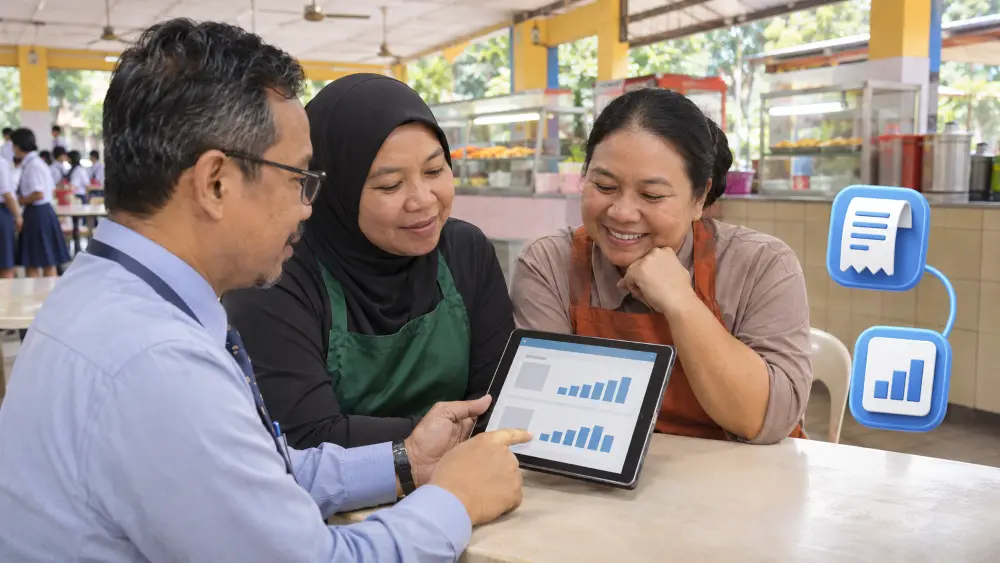
For school canteen sales reporting, ask for totals and individual purchases. A report showing canteen sales by vendor tells you how much each business sold. A list of purchases at each stall helps staff find a specific sale, including when one vendor runs several stalls.
Give vendors a way to check their sales and any refunds they gave customers. If your school offers a parent app, check that parents can see what they added to their child’s account and what their child spent.
How do canteen vendors get paid in a cashless system?
Start by asking who receives the money when a student pays. In some setups, each vendor has its own account with a bank or payment provider, and the money from its sales goes to that account. In other setups, one organisation collects the money for several vendors and pays each business its share. Ask who would handle that at your school and when each vendor would be paid.
How to check a vendor payment
Say a vendor sold RM100 of food last week and returned RM10 to a customer. If there are no fees, the vendor is owed RM90. When checking school canteen vendor payments, compare the amount owed for that week with the amount on the bank transfer record. If the figures differ, ask the person who sent the money to check the sales, refunds and any agreed fees.
How QubeApps can help your school

QubeApps worked with Skribble Lab on the cashless canteen at Pin Hwa Independent High School. Students tapped a card to buy food and drinks. Parents could add money and set spending limits in an app. The school could review sales and see how individual stalls were doing.
When discussing your school’s canteen with QubeApps, ask how families could add money, which cards students could use and what sales reports staff and vendors would be able to see.
Plan your school canteen payments with QubeApps
Tell QubeApps how many food vendors your school has and how students pay today. We can help you work through what students, staff and vendors would need from a cashless canteen.